
Settings, operations & compliance
Background activity (jobs) — what runs on its own
Syncing, document analysis and retention don't happen while you watch — they run as background jobs: queued, executed by the server, retried if they fail. You never manage jobs. There is nothing to start, stop, cancel or retry — the queue tends itself, and Settings → Background activity simply shows you what it has been doing.
The three kinds of job
| Sync (sweep) | On a schedule, and whenever you press Sync: each source is compared with the knowledge base and only what changed is re-processed. |
|---|---|
| Document analysis | New and changed documents are analysed — date, kind, the people and companies in them, and their standing as evidence — right after each sync. |
| Data retention | Every night, conversations and audit events older than the deployment's retention periods are deleted. The Security & privacy tab shows the last run. |
Reading the activity feed
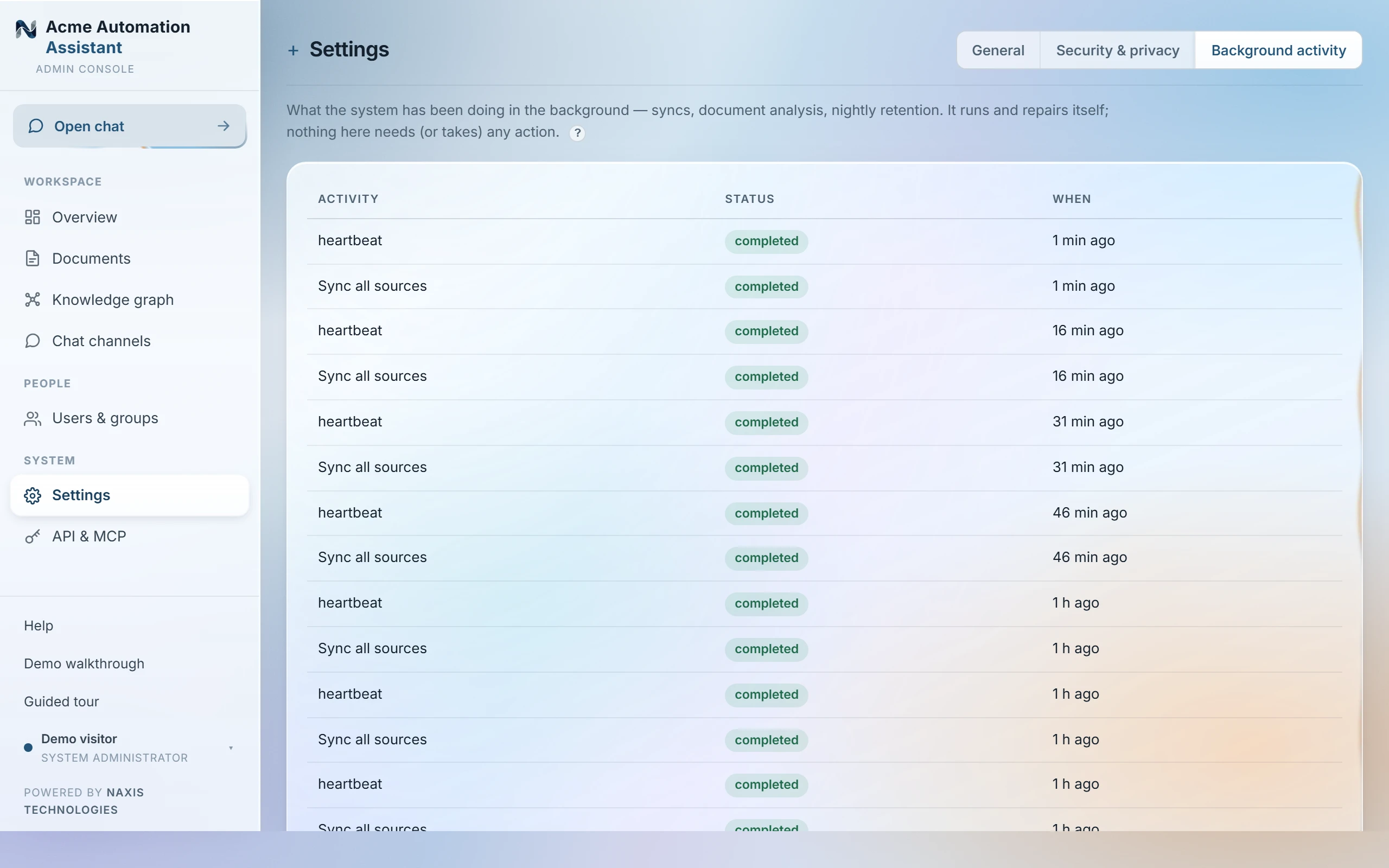
| running… | Being executed right now. Big first syncs can run for a while — that's normal. |
|---|---|
| waiting | Queued; the server picks it up within seconds (or at its scheduled time). |
| completed | Finished successfully. |
| failed | Gave up after its retries — the reason is shown on the row, and the next scheduled run takes over. A source that keeps failing also appears under Needs attention on the Overview, with the button that fixes it. |
What if a job fails or gets stuck?
- A job that fails retries itself with increasing pauses, up to three attempts, before it settles into failed.
- A job can't get stuck: running jobs report a heartbeat, and one orphaned by a crash or restart is detected and re-queued automatically — that recovery still counts as one of the three attempts, so a worker that dies twice on the same job doesn't retry forever.
- A job that keeps failing stays marked failed — and the next scheduled sync supersedes it, so the knowledge base catches up on its own. Fix the cause it names (usually a source's credentials) and the next run succeeds.
So: what do you do with jobs? Nothing — that's the design. If a sync can't wait for the schedule, press Sync sources (Overview) or a source's own Sync now; that just queues the same job early.
Was this page helpful?
Last updated 22 Sep 2026