
Databases & CRM
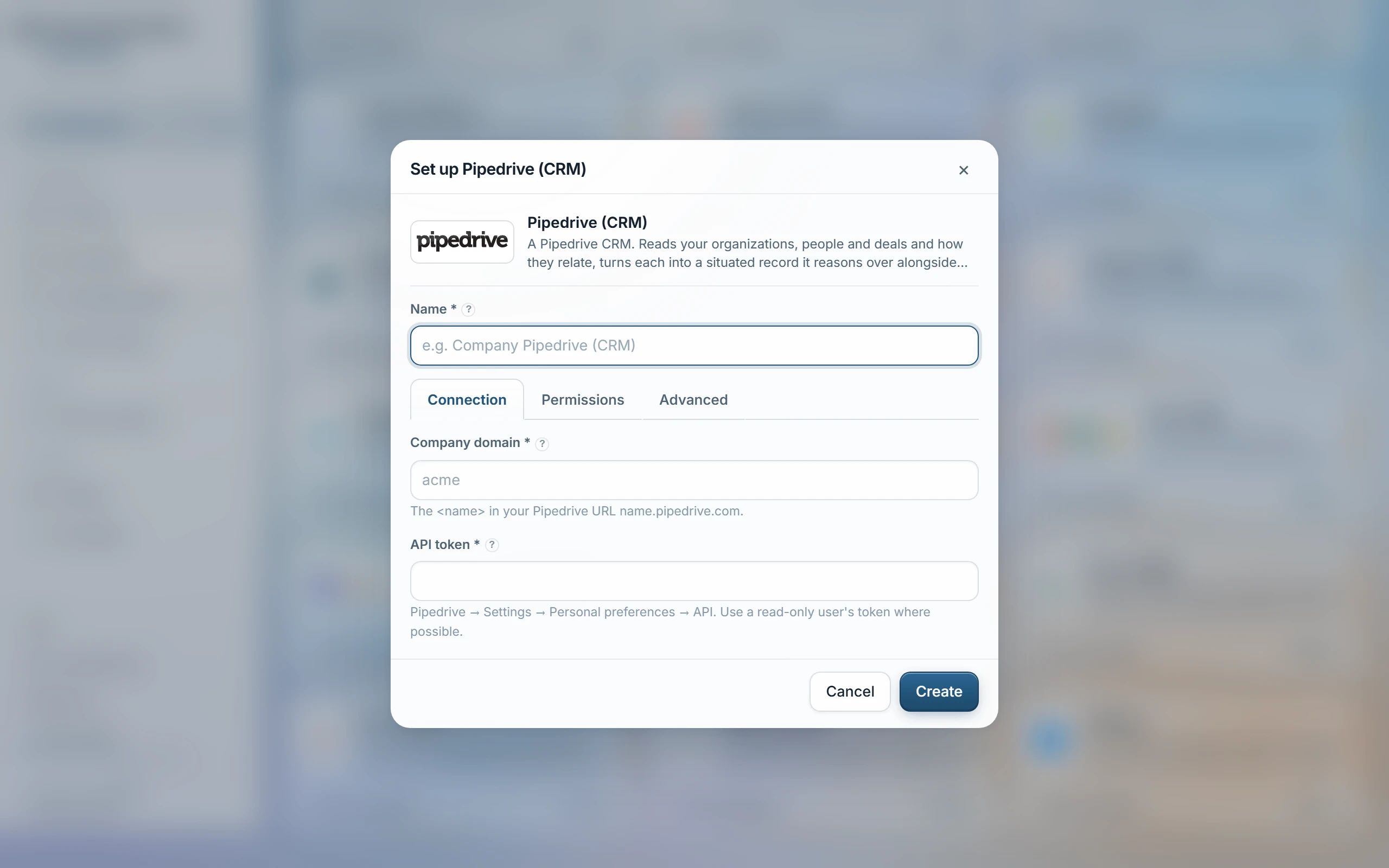
Set up Pipedrive (CRM)
Connect a Pipedrive CRM with an API token. It reads your organizations, people and deals and how they relate, and turns each into a record the assistant reasons over alongside your documents, with the notes, activities and files logged against them brought in too. Read-only — only GETs are ever issued.
Before you start
- In Pipedrive click your profile picture → Personal preferences → API and copy the token — from a read-only user where possible.
- The token acts as the user it belongs to: it reads exactly what that user can see in Pipedrive.
- Tokens don't expire on their own; the field is write-only — Pipedrive never shows it again once saved.
- Knowledge → Pipedrive, enter your company domain — the first label in yourcompany.pipedrive.com — and paste the API token.
- Under Advanced, choose whether notes, activities and files come in (Include activity, on by default) and optionally list Only these objects (organizations, persons, deals) to narrow the sync.
- Choose access groups, Test, then Sync.
What comes in
- Organizations, persons and deals as linked records — persons and deals show their parent organization, and deals carry value, currency, status, stage and owner.
- Notes and activities (calls, meetings, emails) logged against those records, dated and linked back to what they're about — unless Records only is chosen.
- Files attached to an organization, person or deal, brought in as documents; a file not attached to a synced record is left out.
| Include activity | Whether notes, activities and files sync alongside organizations, persons and deals — on by default. |
|---|---|
| Only these objects | Optional allow-list, one object per line (organizations, persons, deals) — blank syncs all three. |
Access
Visible only to the access groups chosen when the source is set up — Pipedrive exposes no per-record viewers here, so that list covers everything the source brings in.
Read-only. Deal values are totalled per organization, and attached files become documents. Each object type, the activity feed and the file listing are capped at 5,000 records per sync — existing documents are kept once a cap is hit.
Was this page helpful?
Last updated 22 Sep 2026